If you produce audio content, you already know that the work does not stop at the edit. Once a track, episode, or voiceover is ready, there is still a long list of tasks waiting: converting files to the right format, writing captions, putting together promotional clips, and crafting descriptions that actually get read. The tools available for each of those jobs have changed dramatically in the past two years, and audio creators who start stacking AI-powered options alongside their existing workflow are finishing more work in less time.
Key Takeaway: Modern audio production is a multi-step pipeline, not a single task. Converting files to the right format is one part of the job; creating promotional video content and writing episode descriptions or ad copy are just as important. AI tools now handle all three more efficiently than manual methods, letting creators stay focused on what they do best, making great audio.
The Modern Audio Creator's Pipeline
Think of audio production as a chain of steps, not a single event. A podcast episode might go through recording, editing, noise reduction, and mixing before it ever reaches a listener. But after that, it still needs a proper file format for each distribution platform, thumbnail art, a written description for the RSS feed, social media captions, and sometimes a short video clip for YouTube Shorts or Instagram Reels.
Each of those steps used to require either specialist skills or a long afternoon. Now, purpose-built tools handle them faster, and AI sits at the center of the most time-consuming ones.
Why Format Conversion Is Still the Foundation
Before any promotional work begins, your audio file has to be in the right format. MP3 works fine for most podcast directories. WAV is required by some licensing platforms. AAC streams better on mobile. FLAC holds onto quality for archival copies.
Podcast distribution has grown into a multi-platform landscape where format requirements vary by directory, app, and device. Getting this step wrong means uploads that fail or audio that sounds degraded on specific platforms.
Converting between formats is not glamorous work, but it is necessary work. AudioConverter.co handles it without requiring software installation and supports a wide range of formats, so one tool covers the whole pipeline foundation. Once the file is in the right shape, the promotional and writing work can begin.
Turning Audio Into Video: Why It Matters Now
Here is a fact that still surprises many audio-only creators: YouTube is one of the largest podcast listening platforms in the world. Listeners increasingly expect a video component, even if it is just a waveform animation over a static image or a tight clip of episode highlights.
Short-form video has become one of the strongest discovery channels for new listeners. A 60-second clip posted on YouTube Shorts, TikTok, or Instagram Reels can reach people who would never stumble across your show in a podcast directory. That audience represents real growth, and ignoring it means leaving potential listeners on the table.
The problem used to be that creating those clips required a video editor, stock footage, and a fair amount of time. Today, an AI video generator can turn a short audio segment or a written script into a finished promotional clip in minutes, complete with visuals, transitions, and on-screen text. No video editing background required.
Distributing AI-Assisted Promotional Clips
The best approach is to treat short video clips as a separate content product, not an afterthought. Here is how most audio creators work them into the pipeline:
- Choose the strongest 45 to 90 seconds from the episode, usually a memorable quote or a tight argument.
- Feed that segment or its transcript into an AI video tool.
- Let the tool generate visuals and captions automatically.
- Review the output, adjust timing or text as needed, and export.
- Schedule the clip for YouTube Shorts, Instagram Reels, and TikTok on release day.
That used to take hours. Done this way, it takes closer to 20 minutes per episode.
Writing Without Staring at a Blank Page
Every audio creator eventually hits the same wall. The episode is done. The file is converted. The video clip is ready. And then you have to write the description.
Episode descriptions, show notes, social media captions, and ad scripts are all necessary, but they pull from a completely different part of the brain than audio production. For creators who think in sound, not in written text, this part of the workflow is often the slowest and most frustrating.
This is where AI writing tools make a real difference. Paste in a transcript or a rough outline and you get a coherent draft back in seconds. That draft is not always perfect, but it gives you a starting point. Editing a draft is much faster than writing from scratch, and the quality of the starting material matters a lot.
What AI Handles Well for Audio Creators
There is a range of writing tasks that come up regularly in audio production. Here is a breakdown of the most common ones and what AI handles well:
- Episode descriptions: A two to three paragraph summary of the episode's main points, written to pull in new listeners and optimized for search.
- Show notes: A longer-form companion to the episode, often including timestamps, links to resources mentioned, and a full transcript.
- Social media captions: Short, punchy text for Instagram, LinkedIn, and Twitter/X, each platform having slightly different conventions.
- Ad copy and sponsorship reads: Draft scripts for mid-roll or pre-roll ads, built around the sponsor's key message.
- Email newsletters: A weekly or per-episode summary sent to subscribers that recaps the main ideas and drives clicks.
AI handles all of these as a solid first draft. Most creators spend 10 to 15 minutes refining the output rather than 45 to 60 minutes writing from scratch.
The Stack That Actually Works
Not every tool in the creative world earns a permanent spot in a workflow. The ones that do are the ones that remove friction without adding new problems.
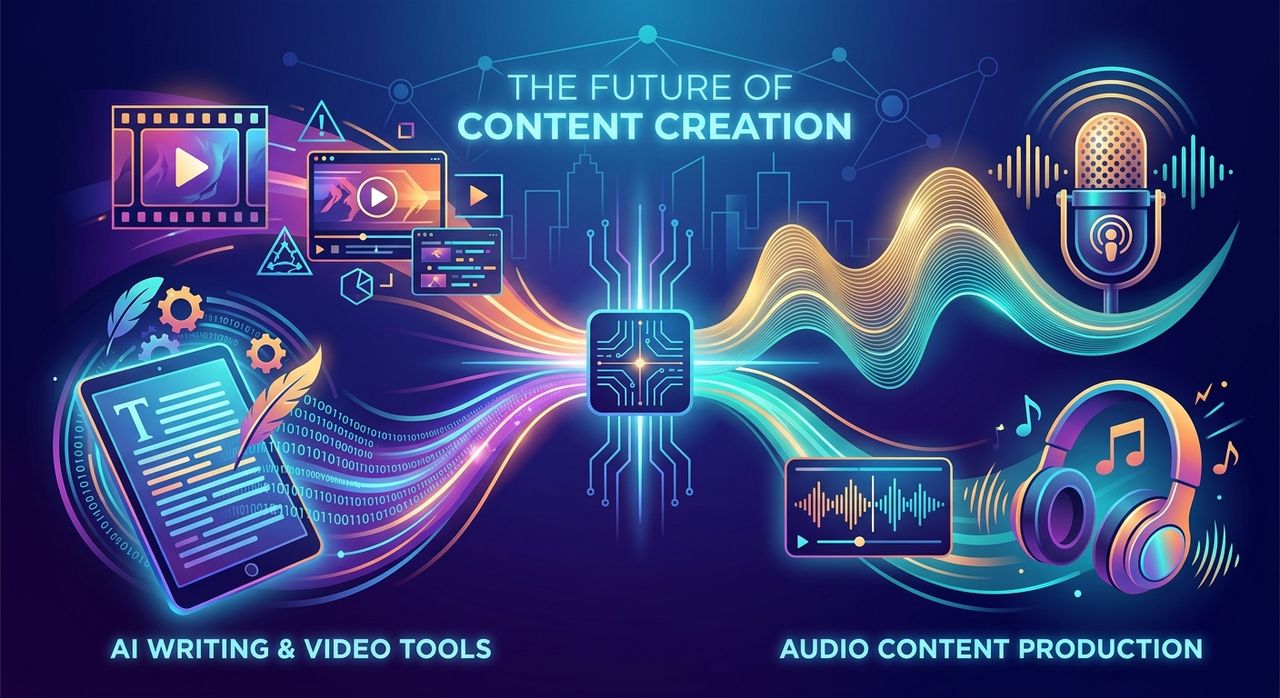
Audio creators who have built a modern production stack tend to converge on a similar approach. Format conversion handles the technical foundation. A video generation tool handles promotional clips for social distribution. A writing assistant handles every piece of text that accompanies the audio.
Digital audio has always demanded technical fluency alongside creative skill. What AI tools do is reduce the technical overhead on the non-audio parts of the job, so more of your energy stays focused on the sound itself.
How These Three Layers Work Together
The three categories do not compete. They cover different parts of the same pipeline and run without getting in each other's way:
The first layer is format conversion. This happens before anything else is distributed. It is the step that determines whether your file is even playable on the platform you are targeting.
The second layer is video clip generation. This runs in parallel with or just after conversion, pulling the best moments of the audio into visual content for social channels.
The third layer is written copy. Descriptions, captions, show notes, and ad scripts fill in the text that surrounds every piece of audio content. This layer is often the last step before scheduling.
None of these tools replaces creative judgment. You still choose which moment of the episode to clip. You still edit the AI-written draft until it sounds like your voice. The tools remove the mechanical work so that the creative decisions remain yours.
What You Actually Get Back
The clearest way to measure any tool is to count what it gives back. Time is the obvious answer. A workflow that includes AI-assisted video creation and writing can realistically cut post-production time by 30 to 50 percent on the non-audio tasks.
But there is also a consistency benefit. Episode descriptions written with AI assistance tend to follow a more consistent structure than ones written manually under deadline pressure. Video clips maintain a similar look and feel across episodes. That consistency matters for audience recognition over time.
And there is a reach benefit. Creators who post video clips consistently to social platforms grow their audience faster than those who do not. The barrier used to be time and skill. Both of those barriers are lower now.
Where the Audio Creator's Workflow Is Heading
The tools described here are already practical and widely used. The direction they are heading is toward more integration, not more complexity. The natural next step is a pipeline where a single input, your audio file or transcript, automatically feeds format conversion, clip generation, and written copy production, with minimal manual handoffs between tools.
That is not far off. It is where most products in this space are pointed right now.
For audio creators who want to stay ahead of that shift, the time to build the habit is now. Not by adopting every tool at once, but by adding one new layer at a time until the pipeline runs smoothly.
Start with format conversion. Add video clips for social. Add AI-assisted writing for copy. Each step builds on the last, and the result is a production workflow that does more without demanding more hours from you.