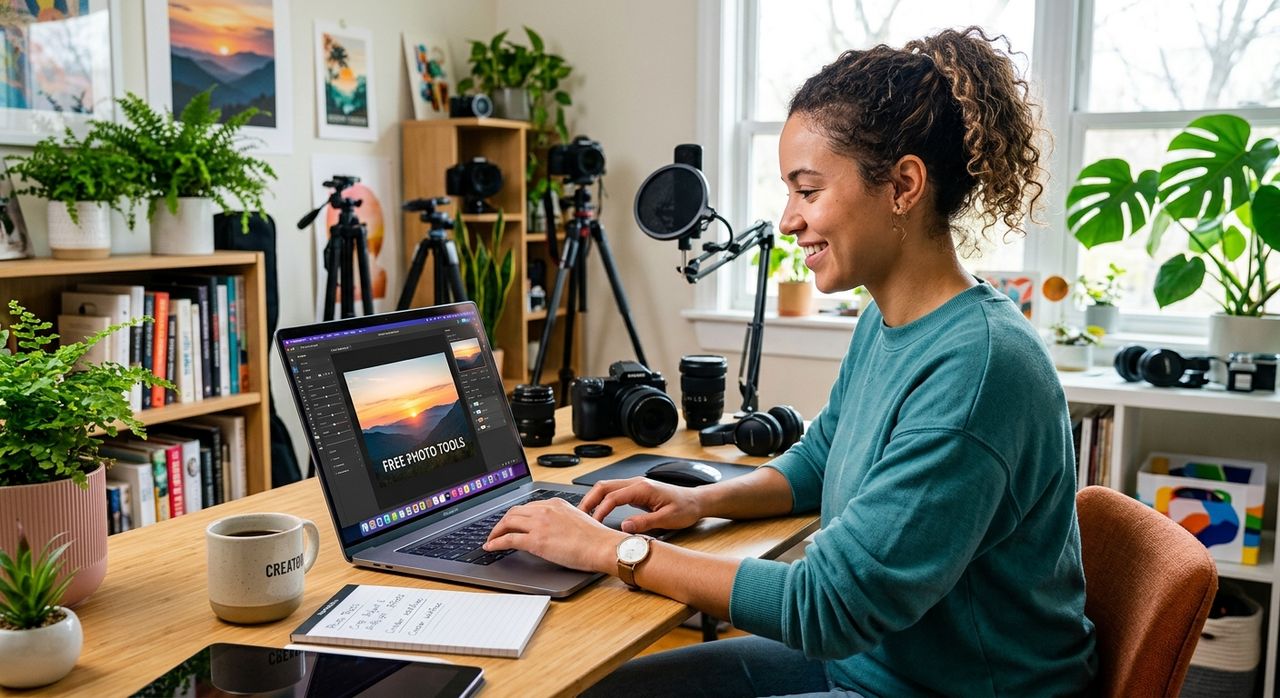
If you have ever spent an afternoon converting audio files for a podcast or music project, you know how satisfying it is to get the technical side handled without spending a dime. But once the audio is sorted, there is usually another problem waiting: the visuals. Album covers, podcast promo banners, music video concept sketches, social media thumbnails. The creative work does not stop at the waveform, and for creators already comfortable working in the browser, extending that toolkit into photo editing is a natural next step.
Key Takeaway:
1. Free photo tools have matured enough that serious creators can build full visual workflows without paid software.
2. Visual content, from album art to podcast graphics, is as important as audio quality for building an audience.
3. AI-powered tools let artists test promotional concepts before committing to expensive photography or video shoots.
Why Visual Content Is Part of Every Audio Project
Most people who find a podcast or independent musician do so through an image first. A thumbnail on a streaming platform, an album cover in a search result, a graphic shared in a social media story. Research on visual processing and memory confirms that humans process images far faster than text, which means your artwork is doing a lot of persuasion work before anyone hits play.
This matters enormously for creators who are already used to keeping costs low. If you have built a comfortable workflow around free audio conversion tools, it only makes sense to apply the same mindset to visual content creation. The free tier of the internet has expanded dramatically, and the tools available now would have cost serious money even five years ago.
The Visual Companion to Audio Work
Think about what you actually need as an audio-focused creator. You need something eye-catching for your album cover. You need a clean, professional-looking banner for your podcast listing. If you are planning a music video or building out a promotional campaign, you often need to test visual concepts before you ever get on set or hand anything to a photographer.
These are not graphic design problems in the traditional sense. You do not need to master a complex desktop application. What you need is something that handles specific tasks well, runs in a browser, and does not ask for your credit card on the first screen.
Album Art and the Weight It Carries
Album covers have been central to music marketing since the format existed. The history of album art stretches back to the 1930s, and the tradition of investing in strong visual identity has only grown stronger as music has moved to streaming platforms where the cover travels everywhere the music goes: apps, playlist thumbnails, social media shares, and press kits.
For independent artists, the challenge is replicating that investment without the budget. Free photo editors like Canva's no-cost tier, Adobe Express, and Pixlr all give you enough layout control to produce something that looks polished. The key is starting with a strong photo or graphic, then building typography around it with intention. Cropping and color grading are the two skills that matter most. A photo that looks ordinary at full size can become something striking once it is cropped to a square and given a consistent color treatment. Most free tools handle both without requiring you to learn anything beyond a few sliders.
Podcast Promo Graphics That Actually Compete
Podcast audiences are often found through visual discovery. A listener scrolling through a podcast app will see dozens of cover images before deciding to press play on yours. The image needs to communicate tone in under a second.
For podcast creators, the design challenge is slightly different from album art. You are usually working with a face, a show name, and a background. The temptation is to overcrowd the image with taglines and episode counts. The better approach is restraint: a clean image, one strong font, and enough contrast that the text reads at thumbnail size.
Browser-based tools handle this workflow well. Fotor, BeFunky, and Photopea (which closely mimics Photoshop's interface) are all capable of background removal, text overlay, and resizing, and none of them require installation. The investment is in learning the workflow the first time, not in paying a subscription every month.
Testing Visual Concepts Before You Commit
Here is where things get genuinely interesting for music video creators and artists planning promotional campaigns. Before you book a photographer or hire a videographer, you need to know that your visual concept actually works. That usually means mocking up versions of your idea with placeholder imagery, then refining until something clicks.
One approach that has gained traction with independent artists is using AI tools to test how different visual treatments look on real faces. If you are wondering whether a certain aesthetic fits a music video concept, or testing promotional artwork that features the artist, an AI face swap tool lets you experiment with these ideas in a low-stakes way before production begins. You can try multiple visual scenarios, see what fits the tone of the project, and arrive at a clearer brief without spending anything on the exploration phase.
This kind of pre-production testing follows the same logic as audio demos. You would not go into a recording session without a rough arrangement sketched out first. The visual equivalent is working through concept options in software before you commit time and money to a shoot.
Free Visual Tools Compared by Task
| Tool | Best For | Free Tier Available | Runs in Browser |
|---|---|---|---|
| Canva | Album art, podcast banners, social graphics | Yes | Yes |
| Photopea | Advanced layer-based editing | Yes | Yes |
| Fotor | Photo retouching and collage work | Yes | Yes |
| BeFunky | Portrait work, background editing | Yes | Yes |
| Remove.bg | Background removal | Yes, with limits | Yes |
Working Across Audio and Visual in One Session
One habit worth building is handling both audio and visual tasks in a single work session. Once your tracks are converted and ready to export, use the remaining time to sort your artwork assets. This is not about efficiency for its own sake. It is about momentum. Creative energy tends to compound, and finishing the audio side of a project while also finalizing visual assets means you are ready to publish rather than waiting on a missing piece.
The same browser that runs your audio conversion tool runs every photo editor on this list. No software to install, no subscription to manage. That is the defining characteristic of the free web tool era, and it benefits creators across every medium.
Staying Consistent Across Every Platform
Visual consistency matters across podcast apps, music streaming platforms, YouTube, and social media. This does not mean every graphic needs to look identical. It means there should be a throughline: a consistent color palette, a recurring typeface, or a photographic style that makes your content recognizable at a glance.
Free tools make it easier to maintain this consistency than you might expect. Canva lets you save color palettes and fonts across projects. Photopea lets you work in layers, so you can build a template once and swap out elements episode by episode or release by release. The investment is in setting up that template the first time, not in redesigning from scratch every time you publish something new.
From Waveform to Final Product: A Creator's Full Toolkit
The gap between audio creator and visual creator has been narrowing for years. The tools available at no cost now mean that a single person can produce a polished podcast episode, original music, and the accompanying visual assets entirely within a browser. That is a remarkable thing, and it is well within reach for anyone already comfortable with free web tools.
The next time you finish converting an audio file and feel that small satisfaction of a task well handled, consider staying in that productive mode a little longer. The album art, the episode banner, the promotional image for the social post: they are all within reach, and none of them have to cost anything to get right.