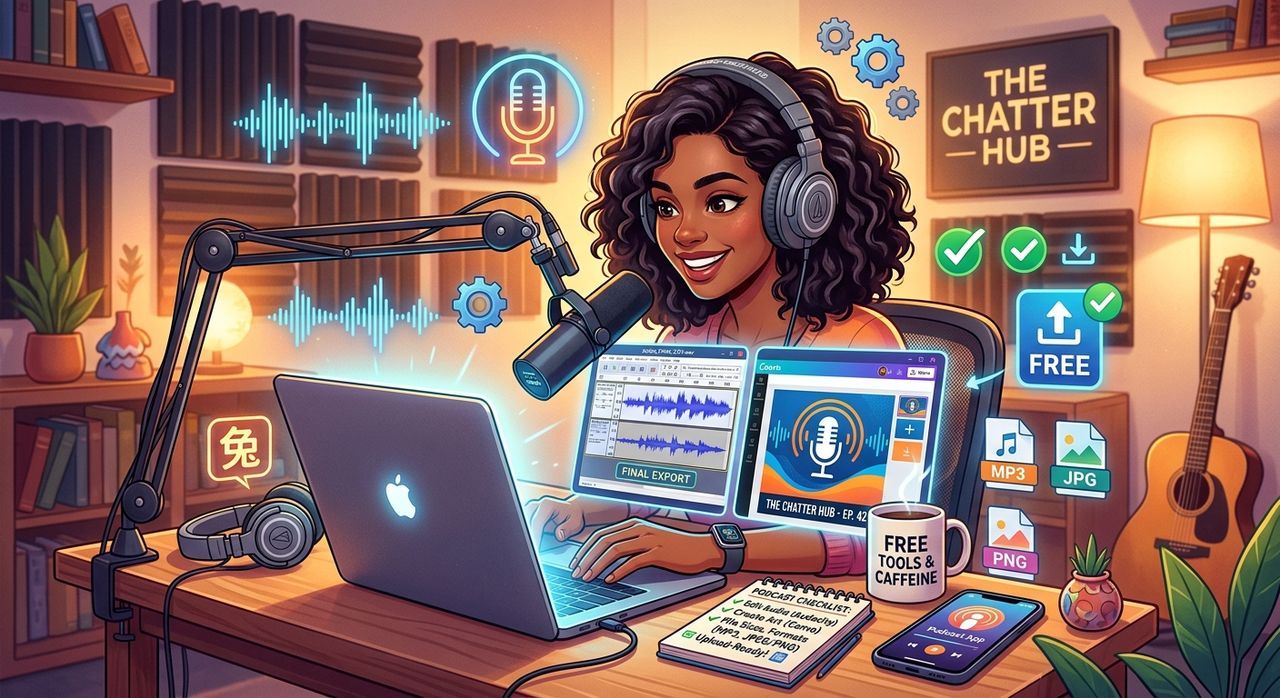
Most podcasters have the recording done. The microphone is back on its stand, the guest has logged off, and the raw audio file is sitting on the desktop waiting for the next step. That next step, it turns out, is not just one thing. Before any major podcast platform accepts your episode, you need the right audio format and the right visuals. Both matter more than most beginners expect, and neither requires expensive software or a subscription you will forget to cancel.
Upload Checklist at a Glance:
1. Convert your raw recording to a platform-ready MP3 so every podcast host accepts it without errors.
2. Build your show profile image and episode artwork using a browser-based design tool with no learning curve.
3. Run the finished image files through compression so upload speeds stay fast and file storage stays tidy.
Why Audio Format Is the First Gate You Have to Pass
Every podcast platform has a preferred format. Podcasting, which has grown into a major global media format with millions of active shows, largely standardized around MP3 because of its broad compatibility and manageable file size. Spotify, Apple Podcasts, and most RSS-feed hosts all list MP3 as the preferred or required format for episode submissions.
The problem is that recordings rarely come out of a microphone or audio interface as MP3s. You might record in WAV for the highest possible quality, or your editor might export in AIFF or FLAC. Those formats are excellent for editing but oversized for distribution. Converting them is not a complicated job, but you do need a reliable tool to do it without installing anything on your computer.
That is exactly why so many podcasters land on audioconverter.co at this stage. It runs entirely in the browser, accepts most common audio formats, and hands back a clean MP3 in the right bitrate for podcast distribution. No account needed. No file left on a stranger's server longer than necessary.
The Part of the Checklist Most Podcasters Rush
Converting the audio feels urgent because you cannot upload without it. The visuals feel optional. They are not.
Podcast directories display your show as a square image, typically at 3000x3000 pixels. Apple Podcasts and Spotify both require artwork that meets minimum dimension and file size requirements before they will approve a new show. Listeners browsing a category see a grid of those images before they hear a single second of audio. The artwork is, functionally, the cover of your show.
There is also a second image consideration that newer podcasters often miss entirely. Many podcasters distribute clips to social media and YouTube. Each of those clips needs its own episode-level graphic, something that communicates the topic at a glance. Those are two different design tasks, and both need to be handled before you click publish.
Building Your Show Profile Image
The profile image is the face of your show. It appears in search results, on player apps, and in directory listings. Ideally it has your name or show title, a recognizable visual element, and enough contrast to read at thumbnail size.
If you do not have a headshot you are happy with, or if you want something more polished than a selfie, an AI avatar generator solves the problem without a photo session. You can produce a clean, professional-looking portrait from a text description or by uploading a reference image. The results are browser-generated, meaning nothing gets installed and no design software opens. You get a ready-to-use image within minutes.
The key is to use something with personality. Listeners build a relationship with the show's visual identity the same way they build one with the host's voice. A generic stock image does not hold attention the way a distinctive, specific image does. Take a few minutes to customize it so it actually looks like your show.
Designing Episode Artwork That Gets Clicked
Episode-level artwork is a different creative task from a profile image. Where your profile image needs to work as a consistent brand mark, episode artwork needs to communicate a specific topic or guest. It works harder in the moment and matters less over time.
The format that has become nearly standard for this kind of graphic is the same rectangle used by YouTube thumbnails: 1280x720 pixels. That size also works perfectly for social clips shared on Instagram, Facebook, and X. Using a browser-based thumbnail maker keeps the process fast. You can drop in a background image, add text for the episode title or guest name, and export a finished graphic without opening a design application or paying for a template subscription.
The thumbnail format also has the advantage of being something audiences already understand. They see a face, a title, and a short descriptor, and they know exactly what it is. Matching that convention makes your content feel familiar, which lowers the psychological friction between seeing the post and clicking it.
Why File Size Matters More Than Most People Think
Here is where a lot of podcasters lose time without realizing it. They spend effort on a great-looking image, then upload a file that is several megabytes large. For a show profile image, most platforms cap the file size somewhere between 500KB and 2MB. Episode graphics shared on social platforms have their own informal limits around how fast an image loads in a feed.
Large image files also slow down your workflow. If you are uploading to WordPress, a podcast hosting dashboard, or a social scheduler, a 4MB image takes noticeably longer to transfer and can occasionally fail entirely on slower connections.
Running your finished images through an image compressor before uploading is the step that makes the rest of the checklist feel smooth. You keep the visual quality, because modern compression algorithms are very good at reducing file size without visible degradation, and you remove friction from every subsequent upload. The MP3 format succeeds partly because it uses perceptual compression to keep files small without gutting the listening experience. The same principle applies to your artwork.
Keeping Everything in the Browser
The reason this workflow holds together is that all three steps, audio conversion, image creation, and image compression, happen in a browser tab. You do not need a creative suite subscription, a desktop application, or a high-spec computer with a lot of RAM. A basic laptop or even a tablet with a decent keyboard can handle everything described here.
That matters a lot for independent podcasters working alone or with a small team. Every dollar not spent on software is a dollar available for a better microphone, hosting fees, or promotion. And every step that happens in the browser is a step that does not create version conflicts, update interruptions, or compatibility problems between different machines and operating systems.
There is also a consistency benefit. When your entire checklist lives in browser tabs, you can replicate the process on any device, which means anyone helping you with the show can follow the exact same steps without needing specialized software installed on their machine.
Your Two-Site, One-Browser Finish Line
The mental model that makes this workflow sustainable is straightforward. Audioconverter.co handles the audio leg of your upload checklist. Img.now handles the visual leg. Together they cover every file you need to submit to a podcast directory, share on social media, or attach to a show notes page.
Once you run an episode through this workflow a couple of times, the process becomes fast. Convert the audio, generate or update the artwork, compress the final images, upload everything. The checklist stops feeling like a burden and starts feeling like the last few minutes before a show goes live. Which is exactly what it is.