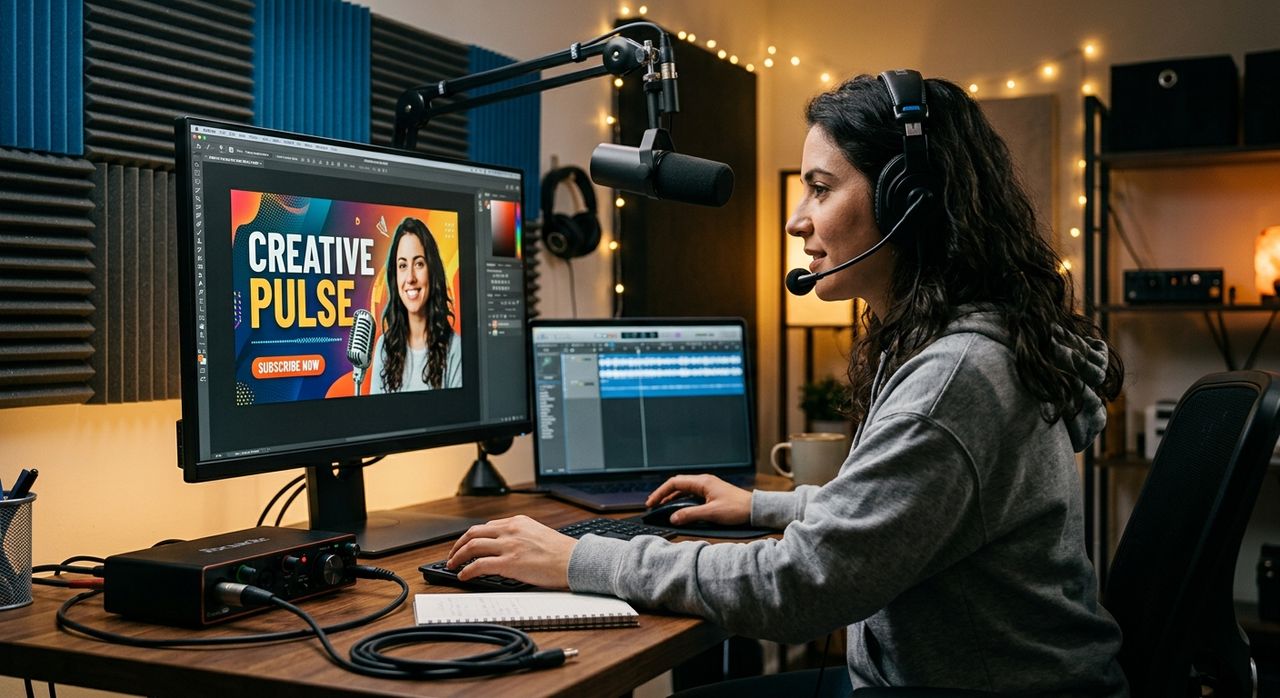
You spent three hours editing your latest episode. You ran it through a noise filter, normalized the levels, encoded it at 128 kbps, and trimmed every awkward pause. Then you uploaded a 4.2 MB JPEG as your cover art without a second thought. That single oversight can undo a surprising amount of the professionalism you just built.
Key Takeaways:
- Podcast directories and players load thumbnails repeatedly, so file size directly affects how your show appears to new listeners
- An oversized image can cause slow load times in show notes, embedded players, and RSS feed readers
- Compressing your thumbnail before upload is the visual equivalent of encoding audio at the right bitrate
- Cleaning up headshots for press kits and platform profiles is a separate but equally important step
- Both tasks take minutes and have a measurable impact on how your brand reads to directories and collaborators
The Parallel Most Podcasters Miss
Audio producers understand compression intuitively. You know that a 320 kbps MP3 is not always better than a 128 kbps one for speech. You know that lossless WAV files have their place in editing but not in distribution. You understand that file size and perceptible quality are two separate variables, and that bloated files create friction without adding value.
Visual assets work exactly the same way.
A raw photo exported straight from your phone can clock in at 6 MB or more. When that file lives in your RSS feed as your cover art, every podcast app that loads your show has to fetch it. Every listener who clicks your show notes in a browser waits for it. Every directory page that displays your artwork has to render it. None of those experiences are helped by those extra megabytes, and some of them are actively hurt.
The podcast ecosystem has grown into hundreds of directories, aggregators, and player apps. Each one handles cover art differently. Some cache aggressively. Some fetch fresh on every load. If your thumbnail is the heaviest asset in your RSS feed, it becomes the single biggest drag on how fast your show feels to navigate.
What "Good Enough" Actually Looks Like for Thumbnail Files
Most podcast directories recommend cover art at 3000 x 3000 pixels, saved as a JPEG or PNG, under 512 KB. Apple Podcasts enforces a maximum file size. Spotify recommends keeping images lean. Podcast Index, Overcast, and others simply load whatever your feed points to, which means a bloated image becomes their problem and, by extension, yours.
The sweet spot for most show artwork is somewhere between 100 KB and 300 KB. At that range you have more than enough visual data for a crisp display at any size a player will actually render. Going above 500 KB gives you nothing visible to the listener but adds measurable load time.
Achieving that target is straightforward. Before you upload your cover art anywhere, run it through an image compressor to strip unnecessary metadata, reduce color depth where it won't affect visual quality, and bring the file size down without softening the image in any noticeable way. This is the exact same logic you apply when choosing your audio codec. You are not reducing quality. You are removing waste.
Why Directory Listings Punish Heavy Thumbnails
Think about how a new listener finds your show. They search for a topic, see a grid of thumbnails, and make a split-second judgment based on what loads first. If your image is three times heavier than the show next to yours, it may still be loading while the listener has already clicked on someone else.
JPEG compression has been a standard since the early 1990s because it solves exactly this problem. The format is designed around perceptual quality, not raw data. The same principle applies to your podcast artwork. A 250 KB JPEG can look identical to a 3 MB one at the sizes directories actually display thumbnails.
Here is a practical workflow to build into every episode release:
- Export your cover art from your design tool at 3000 x 3000 pixels in JPEG format.
- Run the file through a compression tool and target a file size under 300 KB.
- Check the compressed version at 100%, 50%, and thumbnail scale to confirm it still looks sharp.
- Upload the compressed version to your podcast host as your cover art.
- Test your RSS feed URL in a feed validator to confirm the image is loading correctly.
That is a five-minute step that most podcasters skip entirely. Audio engineers would never skip the encoding step. There is no reason to skip this one.
Press Kits and Platform Profiles Are a Different Problem
Cover art is one category. Your personal brand materials are another.
When you pitch a guest collaboration, submit your show to a media roundup, or set up a profile on a creator platform, you are usually uploading a headshot or a profile photo rather than your show artwork. Those images come with their own set of common problems. A headshot taken against a cluttered office background does not read well when it is placed on a press kit page next to clean white space. A portrait with an inconsistent background looks amateur next to the polished materials of more established creators.
The fix is not to book a photography studio. It is to clean the image you already have. Using a background remover on your existing headshot gives you a transparent or solid-color version that drops cleanly into any layout. It is the same photo, the same professional face, just without the stack of books or the exposed cable management visible in the back corner.
This step belongs in the same prep workflow as thumbnail compression. Before you go to a media submission form or fill out a creator profile, you should have both assets ready: a compressed, correctly sized show thumbnail and a clean, adaptable headshot with a neutral background. Both take minutes to prepare. Both make a concrete difference in how your show is perceived.
Audio and Visual Are Two Sides of the Same Signal
The instinct that drives good audio production is the same one that should drive good visual production. You optimize because you respect your listener's experience. You compress because you know that friction, even small technical friction, erodes the impression you are trying to make.
An oversized thumbnail does not announce itself the way a clipped audio track does. No one will tweet about it. But it shows up in slow-loading show notes, in directories that display your artwork inconsistently, in press emails where your headshot does not look as polished as the pitch around it.
The podcasters who treat their visual assets with the same rigor they give their audio files end up with a more coherent, more trustworthy presence across every platform they appear on. That consistency is not vanity. It is the same discipline that makes a well-encoded MP3 sound authoritative before the first word is spoken.
The Workflow That Closes the Gap
You already have a production checklist. It probably includes exporting the final mix, adding chapter markers, writing show notes, and scheduling the upload. Add two steps before that upload happens: compress the thumbnail, and prepare a clean headshot if your episode includes any outreach or press activity.
Those two steps cost almost no time. They close the gap between how much care you put into your audio and how much care your visual assets actually reflect. Your thumbnail is not decoration. It is the first frame of your show. Treat it accordingly.