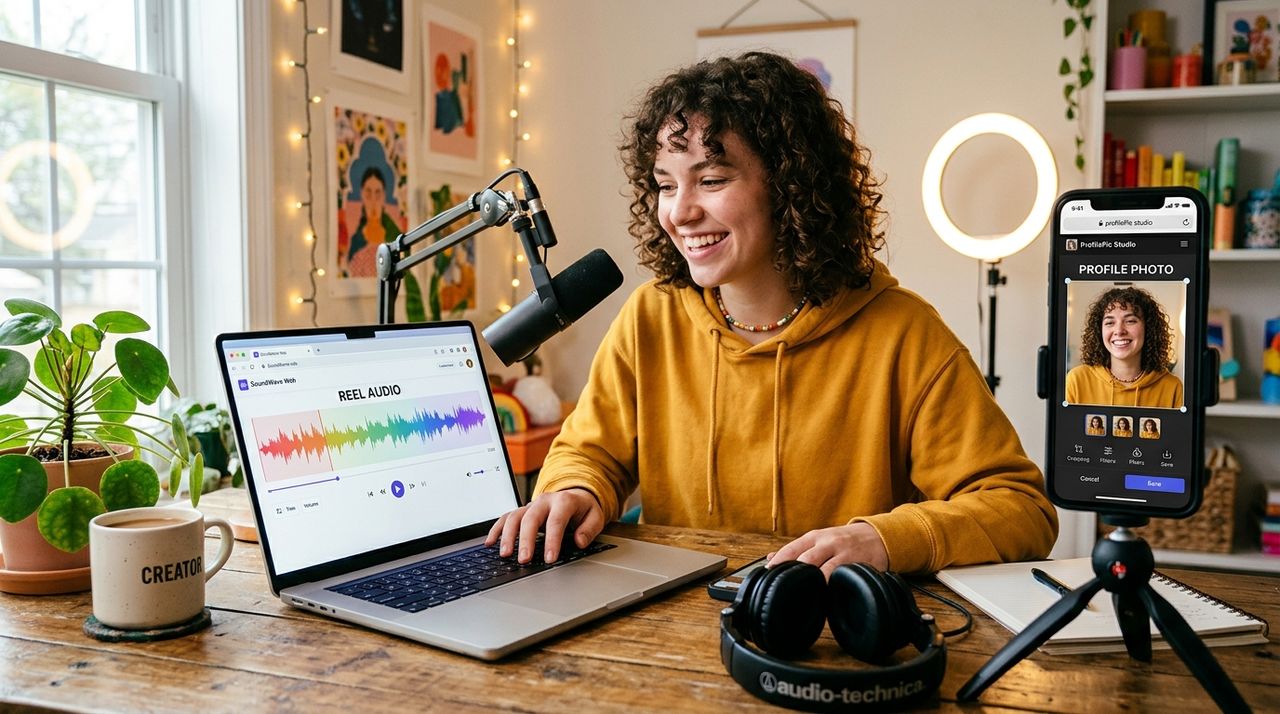
Short-form video creators live between two worlds: the content itself and the brand they build around it. You can spend hours filming the perfect reel, but if the audio is in the wrong format for your edit or your profile photo still looks like a rushed bathroom selfie, the whole package suffers. Both problems are completely fixable, and you do not need to install a single piece of software to fix either one.
Getting your audio right and your profile looking sharp are the two highest-impact changes a creator can make, and both are doable entirely in a browser.
- Audio tools online let you strip, convert, or reformat sound from video files without touching desktop software.
- AI image tools let you swap out a weak profile photo for something that actually matches your brand.
- Neither task requires a download, a subscription, or a photo session.
Why Audio Format Matters More Than You Think
Most creators do not think about audio formats until something breaks. You pull a clip from your phone, try to drop it into your edit, and the timeline rejects it. Or you strip the audio from a video to use as a standalone track and find the file is too big to upload anywhere.
Audio file formats are more varied than most people realize. MP3, AAC, WAV, OGG, FLAC, each one serves a different purpose, and what works on one platform often fails on another. Short-form platforms have their own preferences at the encoding stage. TikTok, Instagram Reels, and YouTube Shorts all handle audio differently. If you are repurposing content across platforms, you will almost always need to reformat at some point.
Stripping and Converting Reel Audio in Your Browser
This is where a browser-based audio converter becomes the workhorse of your editing workflow. You do not need a full digital audio workstation installed on your machine. You upload the file, pick your output format, and download the result.
For short-form creators, the most common tasks are:
- Extracting audio from a video file to use in a separate clip
- Converting a high-bitrate WAV into a compressed MP3 to meet upload size limits
- Trimming a track to fit a 15-second or 60-second format window
All of these work perfectly in a browser. The conversion happens on the server side, so your laptop or phone does not need to do the heavy lifting. That matters when you are working on an older machine or editing from a tablet.
What to Look for in a Browser Audio Tool
Not every online tool handles all formats equally. A solid one will accept video inputs directly so you can pull audio from an MP4 without a separate step, output to multiple formats, and allow basic trimming before download. Speed matters too. If you are mid-edit and need a converted file fast, you do not want to sit through a five-minute upload for a two-minute clip. The best browser tools give you the result before you have had time to open another tab.
The Other Half of Your Creator Brand: Your Profile Photo
Here is where a lot of creators let themselves down. They spend hours on their content and then have a profile photo that looks like it was taken in 2018 with a phone propped against a coffee mug.
Your profile photo is the first thing someone sees when they land on your channel or click your username in a comment. It shows up on every platform where your reels live: TikTok, Instagram, YouTube, even Spotify if you distribute podcast versions of your content. That one image does a significant amount of work, and most creators underestimate how much it affects first impressions.
Booking a professional headshot session costs real money and takes time to schedule. Desktop photo editors have a steep learning curve for something as specific as a clean, platform-ready headshot. This is where AI tools fill the gap. A good headshot generator takes a photo you already have and turns it into something that reads as professional. Clean background, good lighting, sharp focus. You upload a recent selfie and get back something that looks like it came from a proper studio shoot.
Why Your Profile Photo Affects Your Growth
The connection between a polished profile image and follower conversion is real. When someone discovers your content through a share or a search, they make a snap judgment about whether you are worth following. A blurry or generic profile photo signals that you are not taking your channel seriously, even if your actual content is excellent.
Creators who treat their visual brand as seriously as their content tend to see better follow-through rates from new viewers. It is a small change with an outsized effect on whether someone hits that follow button.
Installed Software vs. Browser Tools for Creator Tasks
| Task | Installed Software | Browser Tool |
|---|---|---|
| Audio conversion | Full DAW required, steep learning curve | Upload, select format, download |
| Profile photo editing | Photoshop or similar, paid license | AI tool, upload selfie, done |
| Device flexibility | Locked to one machine | Any device, any browser |
| Cost | Often paid or limited trial | Free for standard tasks |
| Time to start | Download plus install plus setup | Immediate, no onboarding |
The No-Install Philosophy That Ties Both Tasks Together
There is a reason more creators are moving to browser-based tools for both audio and image work. The traditional software workflow involves a chain of friction:
- Downloading an installer and hoping it is not bundled with bloatware
- Paying for a license or working around trial limitations
- Learning an interface built for professionals doing far more complex work
- Running software updates every few weeks that interrupt your session
The browser alternative skips all of that. You go to the tool, do the task, close the tab. No footprint on your machine, no subscription to cancel, no notification asking you to upgrade. This matters especially for creators who work across multiple devices. If you start a project on your laptop, continue on a tablet, and finish on your phone, installed software becomes a liability. Browser tools work the same everywhere, with nothing to sync.
How This Fits Into a Real Creator Workflow
The most efficient workflow for a short-form creator looks something like this. You film your content on your phone. You use a browser tool to extract or convert the audio for your edit. You publish across platforms. Your profile photo, which you updated once using an AI image tool, does the branding work in the background without you thinking about it again.
The audio conversion and the profile photo update are separate tasks, but they share the same logic: handle the job well, handle it without friction, and do not let software setup become an obstacle between you and publishing. When the tools are in the browser, there is no barrier between the problem and the solution.
Your Reel Is Ready, Now Make Sure Everything Around It Is Too
The content is only part of what people experience when they find you. The audio that plays, the format that loads without error, the profile photo that greets them in the search results, all of it contributes to whether they stick around. Browser tools make it possible to handle every part of that without installing anything or committing to a paid subscription before you know it is worth it.
Fix the audio format. Update the profile photo. Publish more often. That is the whole system, and none of it requires you to leave your browser.