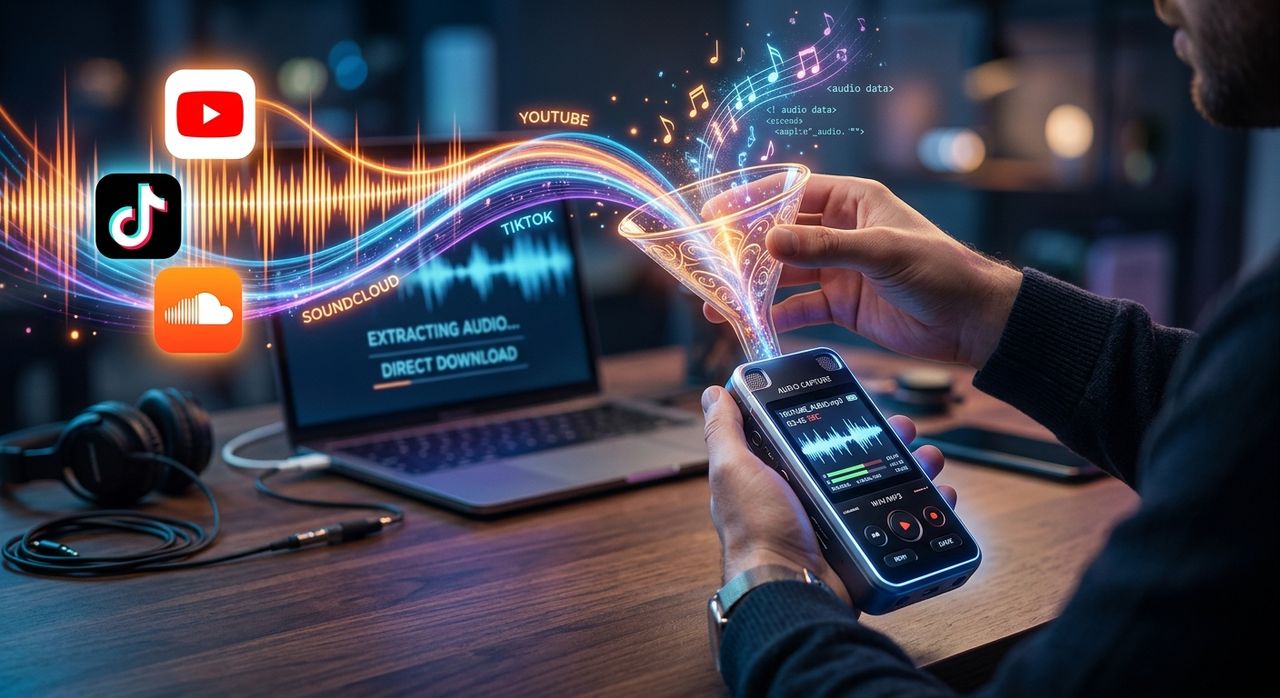
Streaming platforms make it incredibly easy to find music, tutorials, and trending sounds. What they don't make easy is keeping those files. Whether you're a musician learning a riff, a podcaster sampling ambient audio, or just someone who wants a favorite track available offline, there's a real need to pull audio from video and streaming sources. The good news is you don't need to install bulky software to get it done.
Three Things to Know:
1. YouTube is the most reliable source for long-form audio content like tutorials, full albums, and lectures.
2. TikTok clips are short but high-value for trending sounds, effects, and artist previews.
3. SoundCloud hosts independent releases and demos that often aren't available anywhere else.
Why Streaming Audio Doesn't Stay With You
Streaming platforms are designed around the idea of access, not ownership. You can play almost anything on demand, but that audio lives on their servers, not yours. The moment you lose a subscription, go offline, or a creator deletes their upload, that content vanishes from your listening queue.
This matters especially if you work with audio. A guitar tutorial on YouTube might be the clearest breakdown of a specific technique you've ever found. A SoundCloud demo might be the reference track a client wants you to match. A TikTok sound might be the exact vocal chop you're trying to identify by ear. In all three cases, "just stream it again later" is a fragile plan.
Saving audio from these platforms is a practical workflow decision, not just a convenience. The key is knowing which tool fits which platform.
Starting With YouTube: The Audio Workhorse
YouTube is where most people begin when they want to save streaming audio, and for good reason. The platform hosts an enormous volume of music-adjacent content, from full concert recordings to gear review demos, production walkthroughs, and ear training exercises. Much of this content exists only on YouTube and nowhere else.
Because YouTube videos are delivered as video files, extracting the audio means converting the stream from its original container into something like MP3 or AAC. A browser-based YouTube downloader handles this without requiring you to install anything locally. You paste the video URL, choose your preferred audio format and quality, and the file downloads directly to your device.
One thing worth understanding is how audio quality works in this context. YouTube delivers audio using lossy encoding, meaning some audio data is discarded to reduce file size. As with any MP3 file, the bitrate determines how much detail is preserved. The bitrates available depend on what the uploader originally submitted. Most music content tops out at 128 or 160 kbps, though videos with high-quality source uploads can go higher. For reference or practice purposes, this is more than adequate.
When you're saving YouTube audio for personal use, think about your actual use case:
- Choose MP3 if you want maximum compatibility across devices and media players.
- Choose AAC if you're primarily listening on Apple devices, since it tends to sound slightly better at the same bitrate.
- Choose WAV or FLAC if the tool offers it and you plan to do any audio editing or mixing afterward.
Moving to TikTok: Short Clips With Outsized Value
TikTok occupies a different space in the audio ecosystem. Most clips are under 60 seconds, but the audio density is high. You'll find remixed samples, original sounds that go viral before the artist releases anything officially, vocal snippets used as trends, and promotional clips from albums that are only partially available elsewhere.
For audio professionals and enthusiasts, TikTok is a surprisingly useful research tool. If you're trying to identify a sound, match a production style, or track how a particular snippet has been repurposed across creators, having the audio file locally gives you something you can actually analyze. A TikTok downloader that strips the audio from a clip saves you from trying to re-record from your phone speaker or scrub through the app manually.
The process is the same as with YouTube. You copy the link from the TikTok app or browser, paste it into the tool, and download the audio. TikTok clips are short enough that the files are small and the conversion is nearly instant.
One nuance with TikTok audio worth noting: the platform frequently layers multiple audio tracks together, a creator's voice over a trending sound, for example. What you extract is the mixed output, not isolated tracks. That's fine for most listening or reference purposes, but worth knowing if you expected clean stems.
Finishing With SoundCloud: Where Independent Artists Live
SoundCloud is a different animal from both YouTube and TikTok. It's a dedicated audio platform, which means the content is usually music in its final or near-final form. What makes it valuable is the depth of independent, unsigned, and experimental content that lives there and nowhere else.
Many artists use SoundCloud to post demos, rough mixes, and tracks they never officially release. Some of these are eventually removed when the artist signs to a label or decides to pull old work. If you find something you want to keep, saving it while it's available is the only reliable strategy.
A SoundCloud ripper lets you save individual tracks or sets directly from the platform URL. Unlike YouTube, SoundCloud is already delivering audio rather than video, so there's no format conversion step. The file you get is typically an MP3, and the quality reflects what the artist originally uploaded.
SoundCloud has been a significant force in independent music distribution since its launch in 2008, particularly for electronic and hip-hop artists, as covered in its history and overview. That legacy of supporting independent releases is exactly why the content there is often irreplaceable. When an artist pulls their catalog from streaming services or a label takes content down, what's on SoundCloud may be the last copy freely accessible anywhere.
How to Keep Your Saved Files Organized
Once you start saving audio from multiple platforms, organization becomes important fast. A folder labeled "downloads" filled with tracks named "audio_1234" won't serve you well six months later.
A simple system that works well in practice:
- Create a top-level folder for saved streaming audio.
- Inside it, create subfolders by source platform: YouTube, TikTok, SoundCloud.
- Rename each file immediately after downloading using a consistent format: Artist, Title, and the year you saved it.
- Add a plain text note inside each folder for anything you might want to remember about why you saved a particular track.
This takes about 30 seconds per file but saves significant time when you're looking for something specific later.
Format Choices for Different Purposes
Not all saved audio serves the same purpose, and the format you choose should reflect how you plan to use the file.
For casual offline listening, MP3 at 128 or 192 kbps is compact and plays on everything. For active listening, like analyzing a production or practicing to a reference track, a higher bitrate MP3 or AAC file gives you more detail to work with. If you intend to do any audio work on the file, including trimming, layering, or pitch correction, saving in a lossless format where available preserves quality through each edit.
Most browser-based tools offer a format selection at download time. It's worth taking an extra moment to choose the right one rather than converting again later. Each additional conversion step introduces more quality loss, and there's no recovering the original data once it's been compressed twice.
Saving Audio Is a Habit, Not a One-Time Fix
The approach that works best is treating audio saving as a regular part of how you interact with streaming platforms, not a workaround you use occasionally. When you find something worth keeping, save it immediately. When you're researching a sound or preparing reference material, pull the files before you start rather than relying on stable internet access and stable platform availability.
Browser-based tools that work across YouTube, TikTok, and SoundCloud remove the friction from that habit. There's no installation, no account creation, and no platform-specific software to maintain. You paste a link, choose your settings, and the file is yours.
For anyone who works seriously with audio, that kind of straightforward access to platform content is genuinely useful. The three platforms covered here represent most of what people actually want to save from streaming sources. Knowing which tool handles each one means you spend less time searching for workarounds and more time doing actual audio work.
When the Stream Ends, Your File Stays
Streaming platforms keep changing their interfaces, their algorithms, and their content libraries. Content gets removed. Accounts disappear. Platforms rise and fall in popularity. But a file saved to your local drive stays exactly where you put it.
For musicians, producers, researchers, and anyone who treats audio as a working material rather than background noise, that permanence matters. The platforms are great for finding things. Local files are great for everything else.