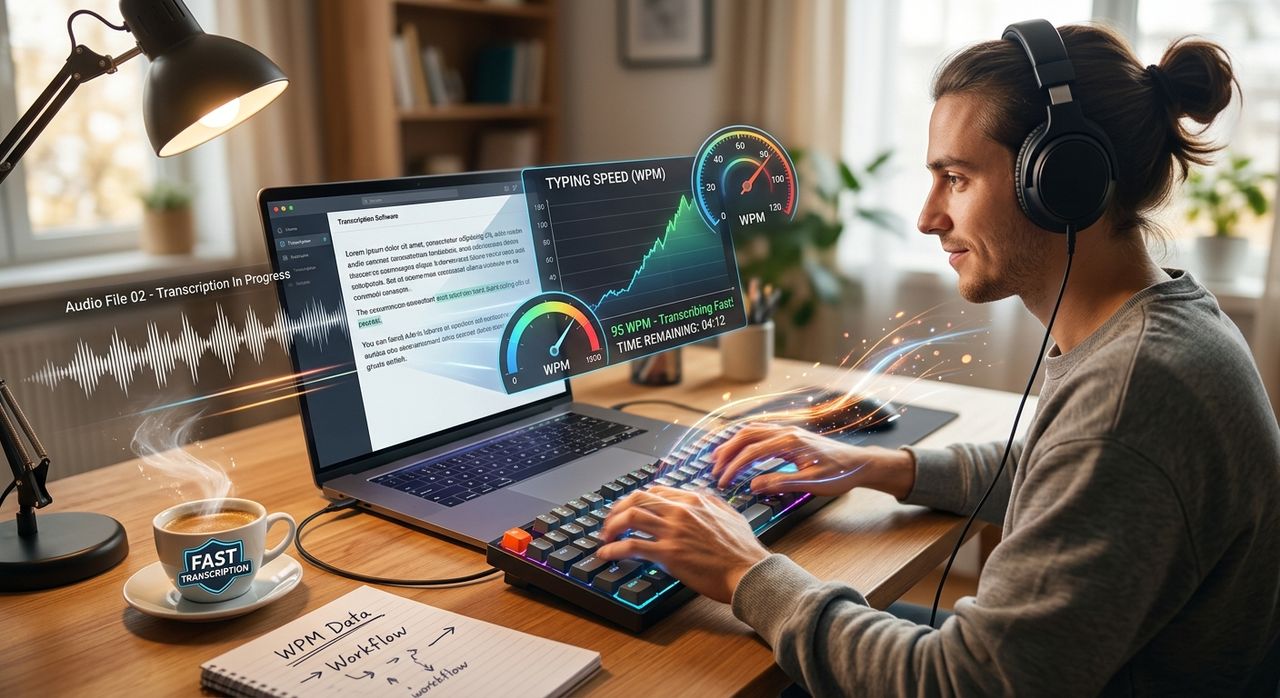
Most people who transcribe audio have no idea how fast they actually type. They sit down with a recorded interview, a voice memo, or a podcast episode, and they begin the familiar grind: play a few seconds, pause, rewind, type a fragment, pause again. Hours pass. The audio file was forty minutes long, and somehow the transcription took three hours. The reason, in almost every case, is not the audio quality, not the speaker's accent, and not the software. It is the gap between how fast the speaker talked and how fast the listener types.
Transcription throughput is a typing speed problem, and most people have never measured theirs.
- The average person speaks at roughly 130 words per minute, while the average typist produces around 40, a gap wide enough to force constant stopping and rewinding throughout the session.
- Knowing your actual words-per-minute baseline gives you a concrete number to work with instead of a vague sense that transcription "just takes forever."
- Closing even a portion of that gap, through measurement and deliberate practice, directly reduces the time you spend on every future transcription job.
The Real Bottleneck Nobody Talks About
Audio conversion tools are genuinely powerful now. You can take a raw voice memo, run it through a converter, and get clean audio ready for processing in seconds. But the moment a human needs to produce a typed transcript from that audio, the bottleneck shifts entirely. It is no longer about file formats or bitrates. It is about how many words per minute your fingers can produce.
Words per minute has been studied extensively, and the numbers tell a humbling story. The average office typist sits somewhere between 38 and 40 WPM. Proficient touch typists reach 65 to 75 WPM. Trained transcriptionists and court reporters, who practice obsessively and use specialized equipment, can exceed 200 WPM. The gap between a casual typist and a trained one is not incremental. It is the difference between a three-hour transcription session and a forty-five-minute one.
Yet most people who transcribe regularly have never once measured their typing speed. They carry a mental estimate that is almost always overly optimistic. They think they type "pretty fast" because they feel comfortable at a keyboard. Comfort and speed are not the same thing.
Why the Pause-and-Rewind Cycle Is So Costly
Here is what actually happens when a slow typist tries to transcribe at audio speed. The speaker in the recording moves at conversational pace, roughly 120 to 150 words per minute. The typist, producing 40 WPM, falls behind within the first sentence. They pause the audio. They finish typing the sentence. They rewind a few seconds because they lost the thread. They play again, fall behind again, and pause again.
Every pause-and-rewind cycle adds invisible overhead to the job. By the end of an hour-long recording, a typist might have pressed pause two hundred times or more. The compounding effect of those micro-interruptions is enormous. The cognitive cost of constantly context-switching between listening and typing in bursts also drains focus faster than steady-state work would.
The only sustainable path is to either reduce the speed of the audio or increase the speed of the typing. Playback speed is easily adjustable in most audio tools. Typing speed requires practice. But before you can work on either variable intelligently, you need to know your current number.
Taking Your Baseline Before Anything Else
The most useful thing a frequent transcriber can do right now, before buying new software or adjusting any settings, is take a 1-minute typing test. One minute. That is the entire time commitment. The result you get is your true words-per-minute baseline, measured under mild pressure, which is close enough to real transcription conditions to be meaningful.
Most people are surprised by their score, and not pleasantly. Someone who estimated they type 60 WPM often lands at 44. Someone who assumed 50 finds they are at 35. That gap between perceived and actual speed explains a lot of the frustration that builds up during long transcription sessions.
Your baseline number also gives you a realistic picture of your transcription ratio. If you type 40 WPM and your speaker talks at 130 WPM, you are working at roughly 30 percent of their speed. That means for every minute of audio, you theoretically need about three minutes of transcription time, not counting rewinding or re-listening. Knowing that ratio makes it much easier to estimate project time and to set realistic goals for improvement.
Practical Ways to Close the Gap
Once you have your baseline, you have something to aim at. Improvement does not require hours of daily drilling, though dedicated practice does help fastest. There are several practical adjustments that reduce the effective gap without requiring you to dramatically increase your raw WPM.
Slowing your audio playback to 70 or 75 percent speed is one of the most effective changes you can make immediately. Most audio players and converters support variable playback rate. At 75 percent speed, a speaker who talks at 130 WPM effectively slows to around 97 WPM. That is still faster than most typists, but much more manageable, and it dramatically reduces the number of pauses needed per minute.
Using footpedals for play and pause control is a technique that professional transcriptionists have relied on for decades. Keeping both hands on the keyboard at all times removes the friction of reaching for a mouse or pressing a keyboard shortcut. Even half a second saved on each pause adds up to minutes over a long session.
Consistent practice with typing drills, focused on accuracy first and speed second, builds real WPM over time. Accuracy matters more than people expect. A typist who types 60 WPM with a 95 percent accuracy rate produces more usable text per minute than one who types 70 WPM with an 85 percent accuracy rate, because the second typist spends more time correcting errors.
Chunking is another technique worth adopting. Instead of transcribing word by word, train yourself to hold a short phrase in working memory, finish typing it, and then move forward. This reduces the mental load of the process and makes playback feel less like a race.
The Mindset Shift That Changes Everything
There is a tendency to treat transcription as a passive activity, something you simply endure. You play the audio, you type what you hear, and eventually you are done. But transcription is actually a skill with measurable performance variables, and those variables respond to attention and practice.
The moment you know your WPM, the activity transforms. You have a number. Numbers are motivating. Numbers are improvable. A transcriptionist who knows they type 42 WPM and wants to reach 60 has a concrete target, a path to follow, and a way to measure progress. That is completely different from someone who just feels frustrated that transcription takes too long.
Audio quality, file format, and conversion tools all matter. But every efficiency gain from those factors has a ceiling. The ceiling on transcription speed is almost always typing speed. Raising that ceiling is entirely within your control.
From Audio File to Finished Transcript, Faster
The chain from raw audio to finished transcript has several links, and the one most worth strengthening is the one in your hands. Converting audio files, cleaning up recordings, and adjusting playback rates are all steps you can handle with the right tools. But the final mile, the actual typed output, runs at the speed your fingers allow.
That is why measuring before doing anything else makes sense. A single baseline test tells you exactly where you stand. From there, every session you practice, every point of WPM you gain, and every workflow tweak you adopt compounds into real time savings on every future transcription you do. The audio is already there. The faster you can type, the faster you get to done.